Using the Emergency Button
B-Human only
This documentation describes how to set up and use the emergency button to stop the robots in case of unwanted movements, unexpected behavior, or other dangerous situations. The emergency button provides a simple way to bring all robots on the local network to a safe stop. It should therefore remain accessible at all times.
Setup
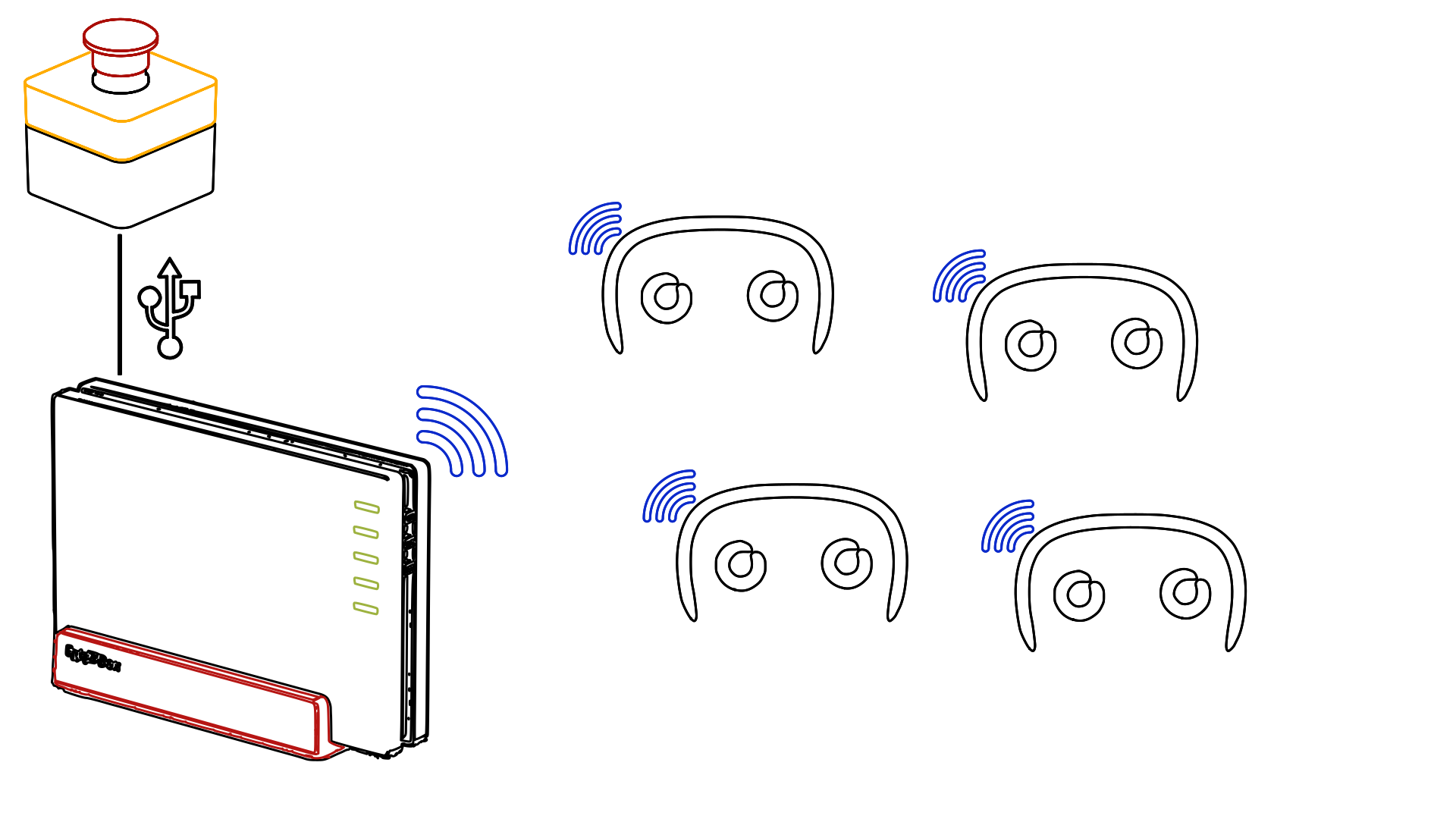
In order to use the emergency button while playing, the EmergencyButtonProvider module has to be active. While this module is active, the Fritz!Box must provide the wireless network for the robots. The emergency button must also be connected to the Fritz!Box using the available USB connection. The button and the Fritz!Box therefore need to remain connected and powered for the emergency-stop functionality to work correctly.
General Use
Once everything has been set up correctly, the robots can be operated as usual. The Fritz!Box monitors for two conditions: the button being pressed and the button being disconnected. If either of these events occurs, an emergency-stop signal is sent over the local network. Any robot on the network receiving this signal, or no signal at all, will stop moving immediately.
After the button has been pressed or disconnected, do not resume normal operation until the cause of the emergency stop has been resolved and it is safe to continue.
Changing Parameters
The interval at which UDP packets are sent over the network can be adjusted through the freetz-ng interface (accessible on port 81) available on the Fritz!Box. This setting determines how frequently the emergency-stop status is communicated over the network. When changing this parameter, make sure to verify the behavior of the emergency stop system afterwards. Unless there is a specific reason to change the value, the configured default should generally be left as is.